Tile Border Workshop
A downloadable tool
Prepare regular-grid tilesets without hand-painting every border.
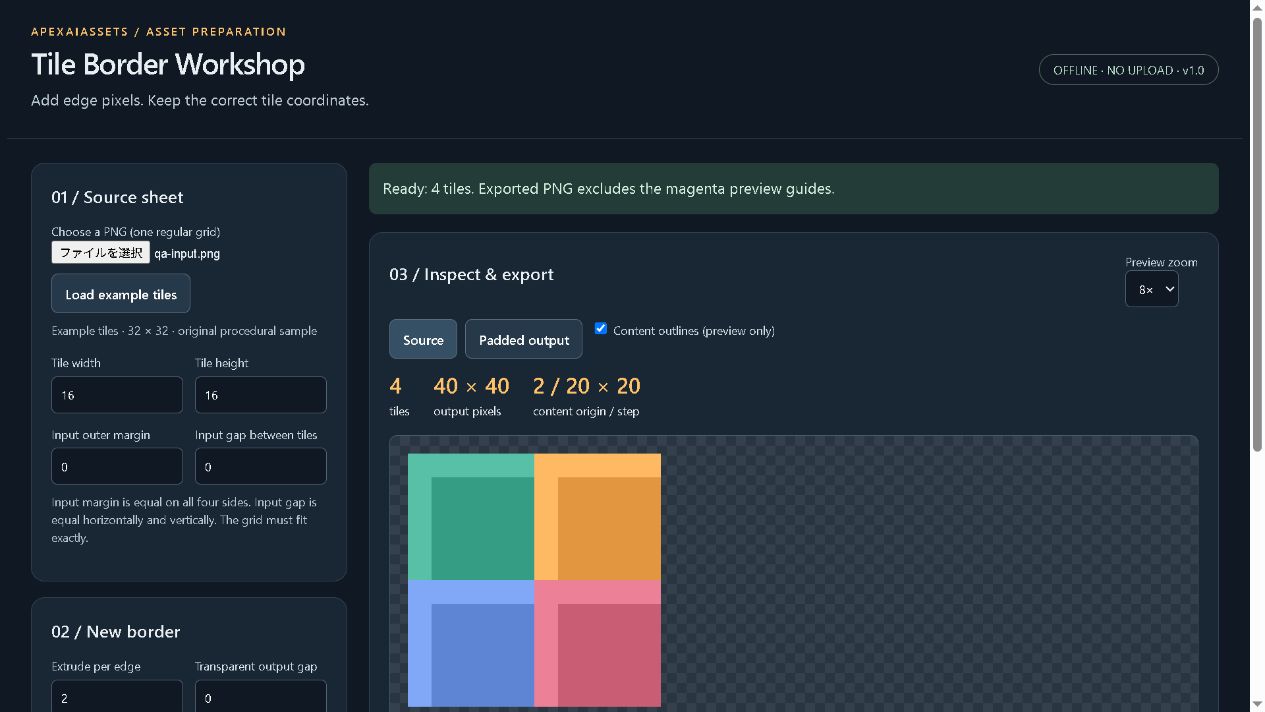
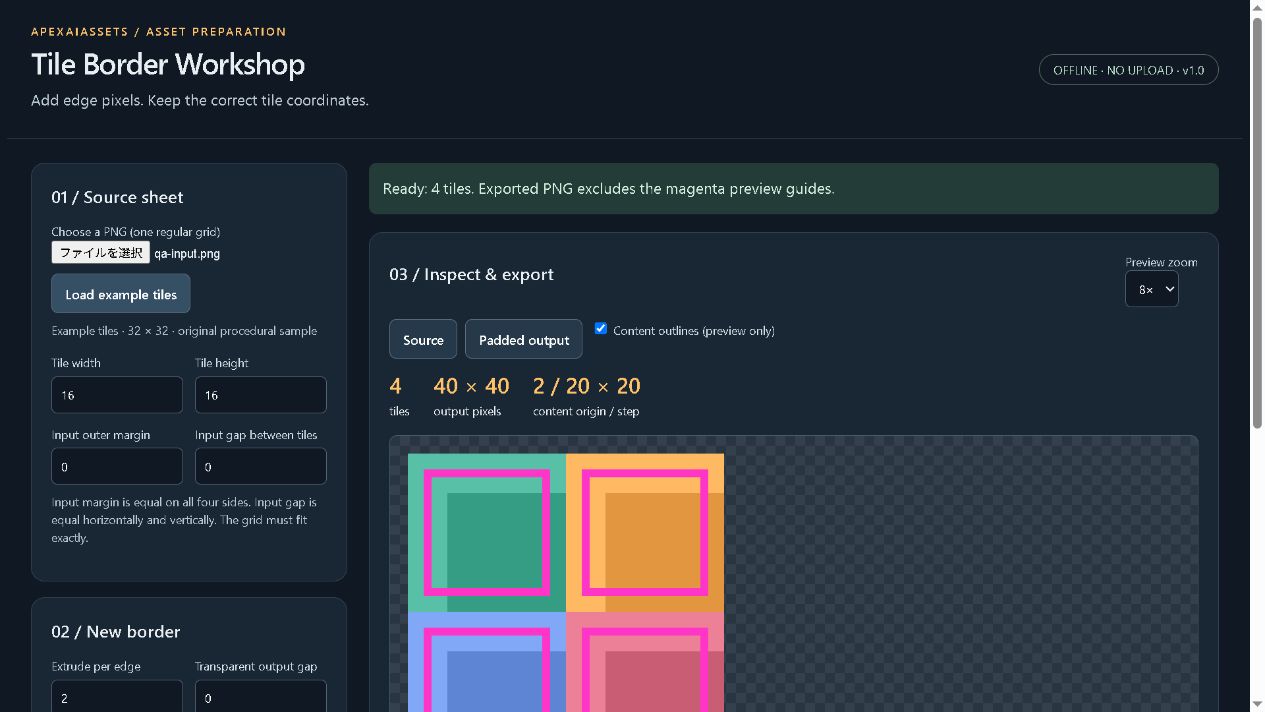
Tile Border Workshop is an offline desktop-browser utility that repeats the nearest edge pixels around each tile, then exports a padded PNG atlas and a JSON manifest of the original content rectangles.
INCLUDED
• PNG input with configurable tile width, height, equal outer margin and inter-tile gap.
• 0–16 pixels of edge extrusion, plus separate transparent output gap and margin.
• Source/output preview with optional content outlines. Guides never appear in exports.
• Generic JSON coordinates with row-major tile indices and original tile dimensions.
• Save/load settings for repeated preparation work.
• Original example tiles and a practical readme.
Extract the ZIP, keep index.html and core.js together, and open index.html in a current desktop browser. No installation, network connection, account or subscription is required to use the tool. Your image stays in page memory.
SCOPE
One regular-grid PNG at a time; up to 4,096 tiles, 8,192 pixels per side and 16 megapixels for both input and output. Input files must be 25 MB or smaller. The grid must fit exactly; partial tiles are rejected rather than silently cropped.
This is not an atlas packer or native engine importer. No batch processing, irregular-grid detection, animation or automatic engine configuration. Slice using the exported content rectangles, not the padded rectangles. Browser canvas may normalize color metadata and RGB values under transparent pixels.
Extrusion can reduce sampling from neighboring tiles. It cannot guarantee removal of seams caused by camera transforms, filtering, mipmaps, compression or engine settings. Test in your actual game.
LICENSE & QUALITY
One purchase permits one person to use and modify the tool for personal and commercial work. You may distribute exported atlases with games or asset packs when you hold the source-art rights. Do not redistribute the tool itself or host it as a public service.
Core regression tests and desktop-browser input/export checks completed. Created with generative AI assistance for code, text and design; the tool itself uses deterministic pixel copying, with no AI runtime.
Free technical notes below cover block compression and mipmaps. They supplement the guide; the v1.0 tool is unchanged.
Purchase
In order to download this tool you must purchase it at or above the minimum price of $4 USD. You will get access to the following files:
Download demo
Development log
Comments
Log in with itch.io to leave a comment.
Exporting extrusion plus a JSON manifest of the original content rectangles is the right pair. The padded rect is what the sampler needs and the content rect is what the placement code needs, and most exporters hand you only one of the two.
Two things worth a line in the readme if they are not in there already.
Block compression. If the atlas ever gets compressed with BC or DXT, the 4x4 blocks do not care about your gaps, so a tile whose padded pitch is not a multiple of 4 can still bleed across a block boundary with extrusion turned on. Landing tile size plus gap plus twice the extrusion on a multiple of 4 removes that whole class of bug.
Mips. One pixel of extrusion holds at mip 0 and has failed by mip 2, so a user with mipmaps on needs the extrusion to grow with the deepest level they sample.